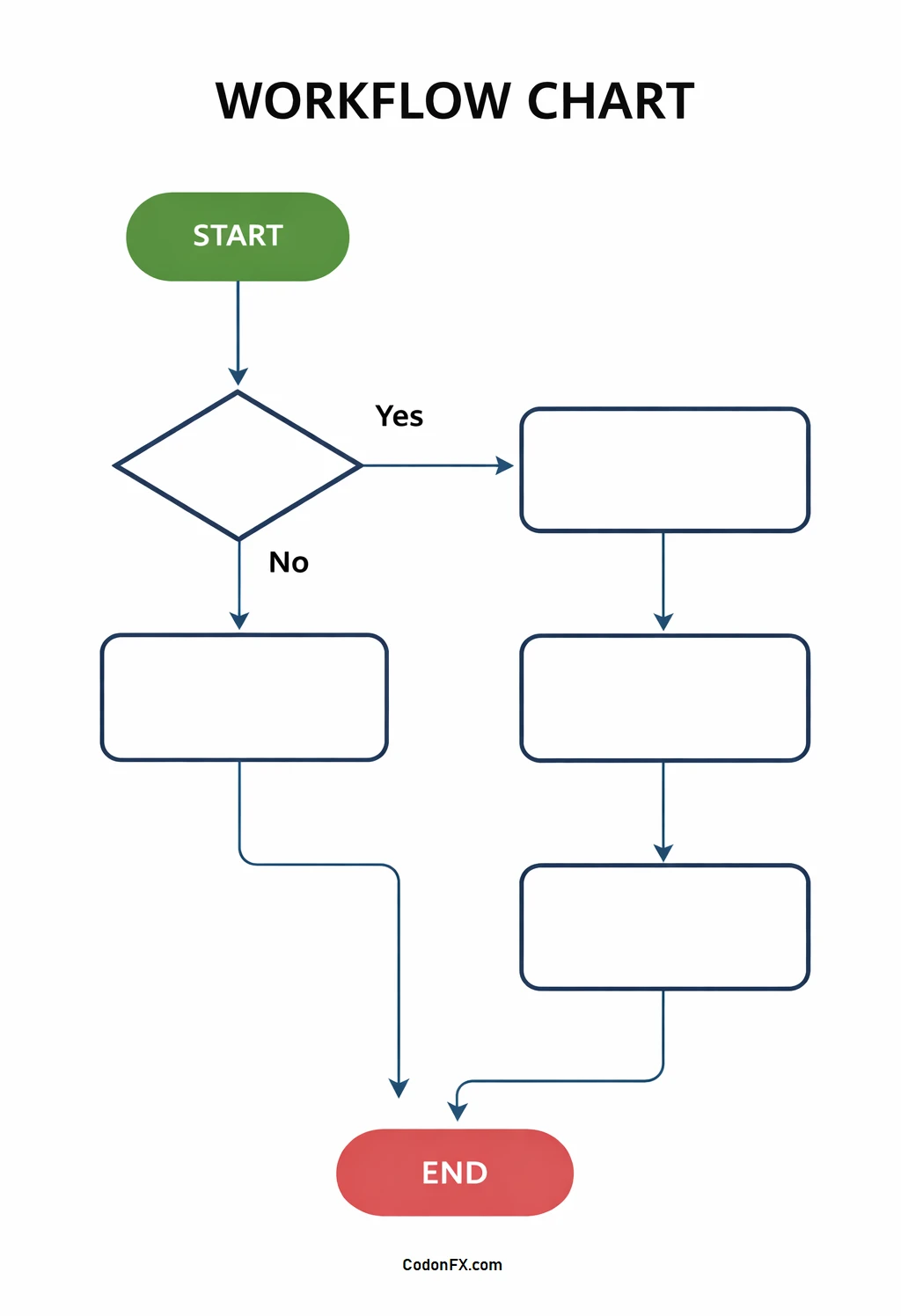
In today’s fast-paced business environment, understanding and optimizing processes is crucial for efficiency and success. One powerful tool that can help organizations achieve this is the workflow chart, also known as a workflow diagram. These visual representations of complex processes offer a high-level view of how they work, making it easier for everyone involved to understand and collaborate effectively.
Workflow charts can simplify complex information, improve communication, identify bottlenecks and inefficiencies for process improvement, and serve as a valuable training tool for new staff.
What is a Workflow Chart?
A workflow chart is a visual representation of a process, illustrating the steps involved in completing a task or project. It uses symbols and connecting lines to show the flow of information or materials through the process. Workflow charts can range from simple diagrams to more complex flowcharts, depending on the level of detail needed.
These charts provide a simplified view of how a process works, making it easier for team members to understand their roles and responsibilities within the process’s broader context.
Reasons To Use Flowcharts
There are several key reasons why organizations should consider using workflow charts to document their processes:
- Workflow charts offer a high-level, simplified view of how a process works, making it easier for everyone involved to understand and collaborate effectively.
- They help to simplify complex information, breaking it down into manageable parts that are easier to digest.
- Workflow charts can improve communication within a team, ensuring that everyone is on the same page and working towards the same goal.
- By identifying bottlenecks and inefficiencies in a process, workflow charts can help organizations streamline their operations and improve overall efficiency.
- Workflow charts serve as a valuable tool for training new staff, providing a visual guide to help them understand their role within a process.
7 Types of Workflow Diagrams
There are several different types of workflow diagrams that organizations can use to visualize their processes:
- Process Flowchart. A step-by-step representation of a process, showing the flow of tasks from start to finish.
- Swimlane Diagram. A type of flowchart that organizes tasks into separate lanes or columns, showing which department or individual is responsible for each task.
- Data Flow Diagram. A diagram that shows how data flows through a system, highlighting the inputs, outputs, and processes that transform the data.
- Workflow Mapping. A diagram that maps out the sequence of tasks in a process, including decision points and feedback loops.
- Value Stream Map. A visual representation of the flow of materials and information through a process, highlighting areas of waste and inefficiency.
- SIPOC Diagram. A diagram that identifies the Suppliers, Inputs, Processes, Outputs, and Customers involved in a process.
- Business Process Model and Notation (BPMN). A standardized notation for creating process flowcharts, using symbols to represent different elements of a process.
When to Use a Flowchart?
Flowcharts are a versatile tool that can be used in a variety of situations, including:
- Documenting existing processes to identify inefficiencies and bottlenecks that need to be addressed.
- Designing new processes to ensure they are well-structured and efficient from the start.
- Communicating with team members, stakeholders, or clients to explain how a process works and what their role is within it.
- Training new staff on the steps involved in a process and how they fit into the larger workflow.
- Brainstorming and problem-solving to visualize different scenarios and identify potential solutions.
How to Draw a Flowchart
Drawing a flowchart can be a simple process if you follow these steps:
- Start by defining the purpose of the flowchart and the process you want to document.
- List the steps involved in the process, using symbols to represent different actions, decisions, and outcomes.
- Connect the steps using arrows to show the flow of the process from start to finish.
- Add labels and annotations to provide context and clarify any ambiguous steps.
- Review the flowchart with team members or stakeholders to ensure it accurately represents the process and can be easily understood by everyone involved.
- Update the flowchart as needed to reflect any changes or improvements to the process over time.
Workflow Chart Template – DOWNLOAD
