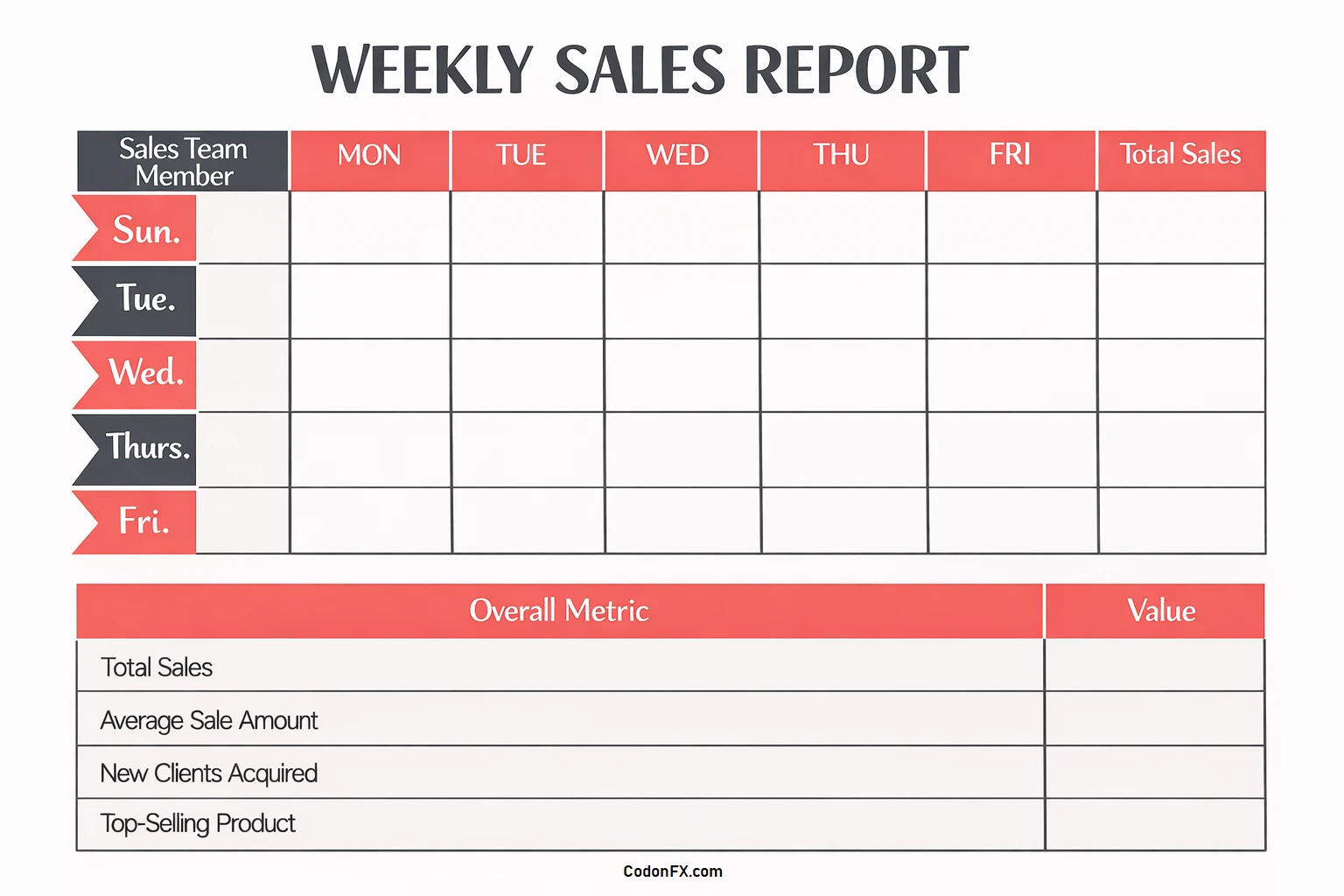
In today’s fast-paced business environment, staying ahead of the competition requires more than just guesswork. Businesses must track and analyze their sales performance to make informed decisions, improve strategies, forecast revenue, and identify areas for growth. This is where sales reports come into play.
By collecting and presenting data on metrics like sales revenue, units sold, customer behavior, and market trends, businesses can evaluate the effectiveness of their strategies, uncover patterns, refine their approach, motivate teams, and ultimately drive revenue growth.
What are Sales Reports?
Sales reports are documents that consolidate data related to a company’s sales performance over a specific period. They provide insights into key metrics such as sales revenue, units sold, average order value, customer acquisition cost, and more.
Sales reports can be generated manually or through automated systems that pull data from various sources like CRM platforms, POS systems, and marketing analytics tools. These reports are essential for businesses of all sizes to monitor their sales performance and make data-driven decisions.
Why are Sales Reports Important?
1. Data-Driven Decision Making: Sales reports provide businesses with concrete data on their performance, allowing them to make informed decisions based on real numbers rather than intuition.
2. Performance Evaluation: By tracking key metrics in sales reports, businesses can evaluate the effectiveness of their sales strategies and identify areas for improvement.
3. Forecasting Revenue: Sales reports help businesses forecast future revenue based on historical data trends, allowing for better financial planning and budgeting.
4. Identifying Growth Opportunities: By analyzing sales reports, businesses can identify emerging trends, customer preferences, and market opportunities for growth.
5. Motivating Sales Teams: Sales reports can be used to motivate sales teams by setting clear goals, tracking progress, and rewarding top performers based on data-driven metrics.
6. Improving Customer Experience: By analyzing sales data, businesses can gain insights into customer behavior, preferences, and pain points, allowing them to tailor their products and services to meet customer needs effectively.
What to Include in a Sales Report?
A comprehensive sales report should include the following key elements:
1. Sales Revenue: Total revenue generated from sales during the reporting period.
2. Units Sold: Number of products or services sold during the reporting period.
3. Average Order Value: Average amount spent by customers per transaction.
4. Customer Acquisition Cost: Cost associated with acquiring new customers.
5. Conversion Rates: Percentage of leads or prospects that convert into paying customers.
6. Sales Pipeline Analysis: Breakdown of sales opportunities at each stage of the sales funnel.
7. Product Performance: Sales data for individual products or services, including best-sellers and underperformers.
8. Customer Segmentation: Data on customer demographics, behaviors, and preferences.
9. Market Trends: External factors influencing sales performance, such as industry trends, competitor analysis, and economic conditions.
How to Generate Effective Sales Reports?
To create effective sales reports that drive revenue growth, follow these steps:
1. Define Key Metrics: Identify the most relevant KPIs for your business and focus on tracking those metrics consistently.
2. Automate Data Collection: Use CRM software or other tools to automate data collection and report generation, saving time and reducing errors.
3. Visualize Data: Use charts, graphs, and dashboards to present data in a visually appealing and easy-to-understand format.
4. Analyze Trends: Look for patterns in the data and use insights to adjust sales strategies and optimize performance.
5. Set Goals: Establish clear goals based on sales report data and track progress towards achieving them.
6. Share Insights: Communicate sales report findings with key stakeholders to align on goals, strategies, and actions.
7. Iterate and Improve: Continuously review and update sales reports based on feedback and evolving business needs to drive continuous improvement.
Tips for Successful Sales Reporting
- Regular Updates: Generate sales reports on a regular basis to track progress and make timely adjustments.
- Customization: Tailor sales reports to the specific needs and goals of your business for maximum impact.
- Training and Support: Provide training to employees on how to interpret and use sales reports effectively.
- Integration: Integrate sales reports with other business data sources for a more holistic view of performance.
- Actionable Insights: Ensure sales reports provide actionable insights that drive meaningful change and growth.
- Feedback Loop: Establish a feedback loop to gather input from users of sales reports and improve reporting processes over time.
- Continuous Learning: Stay informed about new trends and technologies in sales reporting to stay ahead of the curve.
- Celebrate Successes: Recognize and celebrate achievements based on sales report data to boost morale and motivation.
In Conclusion
Sales reports play a critical role in helping businesses track and analyze their sales performance to make informed decisions, improve strategies, forecast revenue, and identify areas for growth. By collecting and presenting data on key metrics, businesses can evaluate their performance, uncover patterns, motivate teams, and ultimately drive revenue growth.
By following best practices for generating effective sales reports and leveraging insights to inform decision-making, businesses can stay competitive and achieve long-term success in today’s dynamic marketplace.
Weekly Sales Report Template – DOWNLOAD
